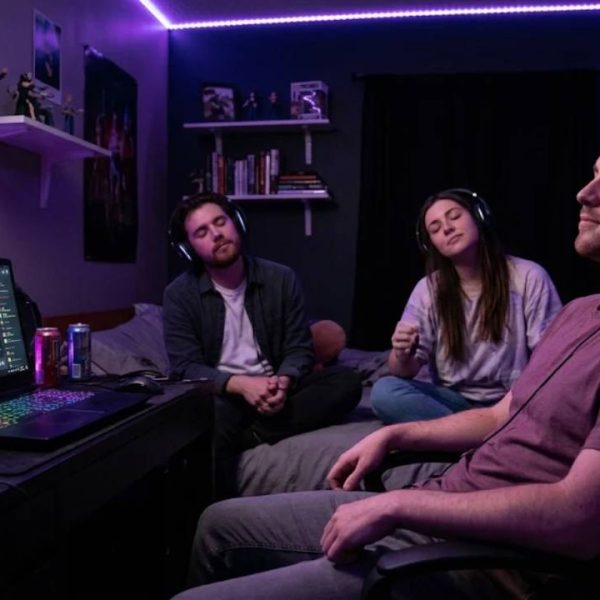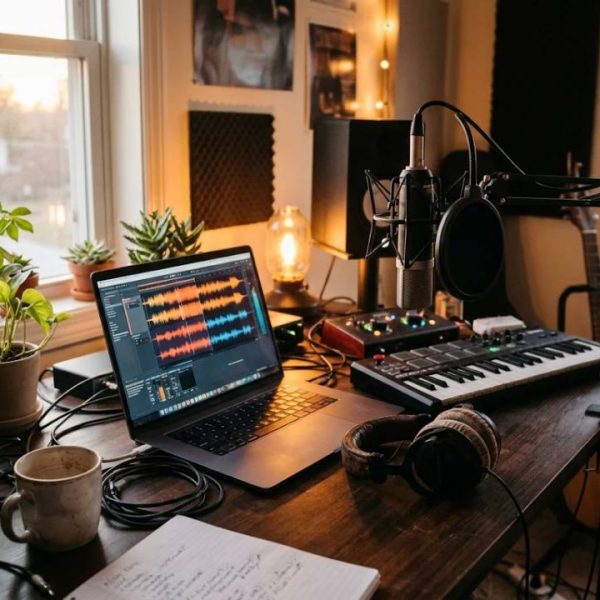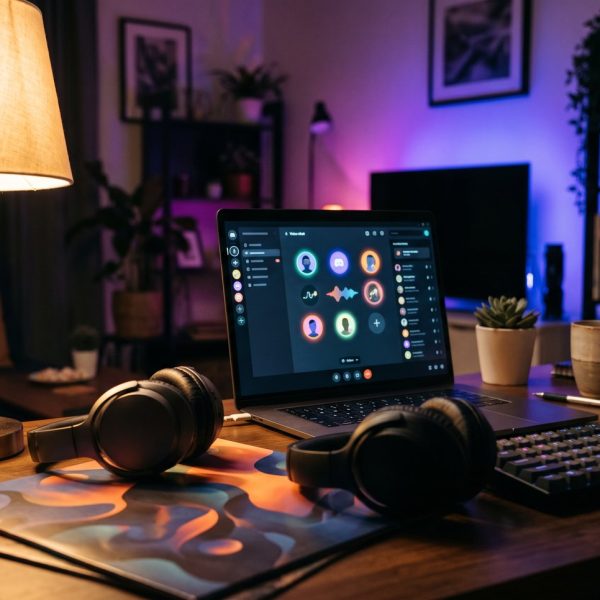
Some of the liveliest nights I have seen on Discord had nothing to do with gaming. They were album nights: forty people in a voice channel, one record playing from start to finish, and a text chat scrolling so fast nobody could keep up. A Discord listening party is one of the simplest events a community can run, yet it is also one of the easiest to get wrong. The audio stutters, the host forgets to mute the room, or half the members arrive after the best track has already played. With a bit of preparation, none of that has to happen.
What Makes a Discord Listening Party Work
The appeal is simple. Everyone hears the same song at the same moment, and the reactions happen together. That shared timing is what separates a listening party from simply posting a playlist link. If one person is thirty seconds ahead, the jokes and the "wait for the drop" moments fall flat.
So the first rule is that the audio should come from a single source inside Discord, not from each member pressing play on their own streaming app. A dedicated bot or a single host streaming into the channel keeps everyone in sync. The second rule is that the conversation needs a home. Voice chat over music quickly turns into noise, so most successful hosts keep the voice channel for listening and push discussion into a linked text channel.
Choosing Between a Voice Channel and a Discord Stage Channel
For a small group of friends, an ordinary voice channel is fine. Once you expect more than fifteen or twenty people, a Discord stage channel is usually the better choice. Stage channels separate speakers from the audience, so listeners join muted by default and only the people you invite to speak can talk. That alone solves the most common listening party problem, which is someone forgetting their microphone is open while they wash the dishes.
Stage channels also show up in the server's event list, which helps with attendance. If you are new to how the platform structures its channels, roles and permissions, the overview of how Discord works on Wikipedia is a useful starting point before you begin changing settings.
Whichever you pick, lock down permissions before the event. Remove the ability to stream or use soundboards for regular members in that channel, and give your moderators the power to move or mute people quickly.
Picking a Reliable Music Bot for Discord
The bot is the heart of the evening, so test it properly. A good music bot for Discord should hold a stable connection for at least two hours, handle a queue without skipping, and let you control volume from a command rather than relying on every listener to adjust their own slider.
Radio style bots that stream continuously are ideal for long sessions, because they are built to stay connected for hours rather than minutes. Queue based bots give you more control over track order, which matters if you are playing an album in sequence. Run a rehearsal the day before with two or three moderators, play the full tracklist and listen for gaps between songs. If a track fails to load, you want to find out on a Tuesday afternoon, not with sixty people waiting.
Planning the Event Itself
Treat the party like a small live show. Announce it at least three or four days in advance using Discord's scheduled events feature, so members get a reminder when it starts. Say exactly what will be played, how long it will last and whether there will be a discussion afterwards.
Timing deserves real thought. If your community is spread across continents, pick a slot that works for the largest group and rotate it next time. Projects that grow beyond one language often learn the same lessons game studios do, and this piece on getting started with game localization is a good read on why speaking to people in their own language changes how welcome they feel.
Listening Party Ideas That Keep People Talking
The classic format is a full album, start to finish, with no skipping. It works best for a new release or an anniversary of a well loved record. Other formats are worth trying once your regulars are comfortable:
A member showcase night, where each person submits one track and explains why they chose it, gives quieter members a reason to speak. A blind ranking session, where nobody knows the artist until the end, produces surprisingly heated debate. And if your server has musicians in it, a premiere night for a member's own work can be the highlight of the month. Artists planning that kind of moment will find this guide to taking a music project from idea to release useful for timing the premiere around the wider launch.
Hosting Habits Worth Copying
Good hosts talk briefly between tracks, not over them. Thirty seconds of context about the next song adds to the evening; three minutes of rambling drains it. Keep a moderator in the text channel at all times so the host can focus on the audio.
Afterwards, ask for feedback while the mood is still warm. Communities such as r/discordapp on Reddit are full of server owners swapping ideas on event formats, bot settings and moderation, and they are worth browsing when you are planning your second or third session.
Making It a Regular Fixture
The real payoff of a Discord listening party comes from repetition. A monthly album night, held at the same time with the same reliable setup, becomes something members plan around. Keep a pinned list of past albums, let regulars vote on the next pick, and thank people by name when they bring new members along. Done consistently, a single evening of shared music can become the event that defines your server.