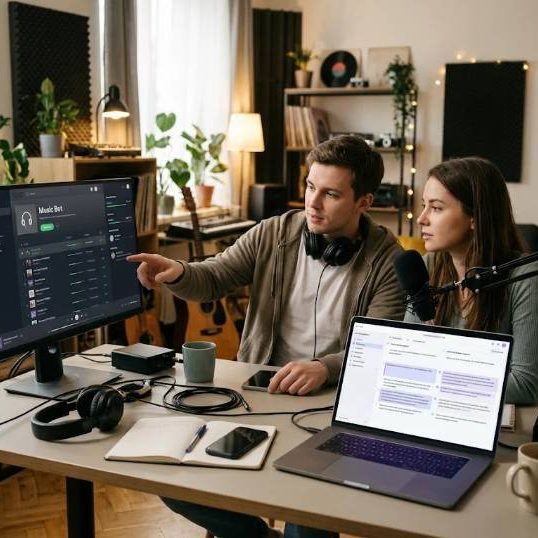
A radio style bot can turn a quiet Discord server into a lively place where members listen together at any hour. Setting one up is easier than it sounds, but a stable setup needs a little planning. This guide covers hosting, permissions, quality and community care for streaming bots.
What a 24/7 bot does
It joins a voice channel and plays a continuous stream of music or radio. Members can listen and chat while the bot keeps playing without anyone present.
It gives the community a shared background for gaming, studying and talking.
Decide the purpose
Do you want a lo fi study room, an internet radio station or a themed playlist? A clear purpose helps you choose content and settings.
Tell your members what to expect.
Read the official documentation
Discord publishes details about bots, permissions and rules. See the Discord developer documentation before choosing or configuring one.
Always follow the platform terms of service.
Choose a trustworthy bot
Look for active development, clear privacy information, good reviews and support. Avoid bots that ask for unnecessary permissions.
Check that the bot is verified when possible.
Set the right permissions
The bot needs permission to view, connect and speak in the voice channel. It does not need administrator rights.
Give the minimum access to protect your server.
Create a dedicated channel
A separate voice channel for the stream keeps conversation and music apart. Name it clearly and add rules in the description.
Limit who can control the bot.
Pick the audio source
Streams may come from internet radio, licensed services or files you have the right to use. Make sure sources allow this kind of use.
Respect copyright and platform rules.
Think about licensing
Public playback of music can require licenses in some places. Streaming services have terms that may not allow rebroadcast.
Use royalty free or properly licensed music if you stream publicly.
Keep quality high
Choose a good bitrate and test the stream during busy hours. Poor quality annoys listeners.
Set a sensible volume that does not overpower voices.
Plan uptime
A bot needs a stable host to stay online all day. Managed services handle this for you, while self hosting requires a server and monitoring.
Set alerts if the bot goes offline.
Self hosting basics
If you run your own bot, use a small cloud server, keep software updated and restart the process automatically after failures.
Protect your access tokens like passwords.
Protect your token
Never share the bot token or paste it in public places. If it leaks, reset it immediately.
Store secrets in environment variables.
Create good playlists
Mix genres, keep a steady mood and avoid sudden jumps. Update playlists regularly to prevent boredom.
Ask members for suggestions.
Set simple commands
Provide basic controls such as now playing, volume and request, with limits to prevent abuse. Restrict powerful commands to moderators.
Post a short guide in a pinned message.
Moderation
Add rules about respectful behavior and spam. Use moderation tools and clear penalties for abuse.
A healthy community keeps people returning.
Serve multilingual communities
Many servers include members from different countries. Rules, announcements and bot descriptions should be understandable to all.
Servers with Russian speaking members often use Russian translation services for rules, guides and announcements.
Learn from language guides
Gaming and tech communities share content across languages. Our article on Russian to English translation explains typical difficulties when moving between the two languages.
Clear translations reduce misunderstandings.
Prepare for troubleshooting
Common problems include disconnects, lag and lost permissions. Check the bot status page, restart the bot and verify server region.
Keep a log of issues and fixes.
Protect member privacy
Do not record voice channels without consent. Follow local laws and platform rules.
Tell members what data the bot stores.
Add events
Theme nights, listening parties and guest playlists make the stream more interesting. Announce them in advance.
Encourage members to take part.
Gather feedback
Run short polls on music taste and volume. Adjust playlists accordingly.
Listening to members builds loyalty.
Monitor costs
Hosting, premium bot plans and licenses can add up. Set a budget and ask for voluntary support if needed.
Be transparent about spending.
Final thought
A well run radio bot adds warmth and rhythm to a server. Choose carefully, respect rules and keep your community at the center.
Start small and improve step by step.
Set a schedule for updates
Bots and libraries receive updates that fix bugs and security problems. Choose a regular time to check and apply them, and announce short downtimes to members.
Predictable maintenance keeps trust high.
Test on a small server first
Before changing settings on a busy community, try them in a private test server. Check permissions, volume and commands.
Mistakes are easier to fix when no one is listening.
Back up your configuration
Save playlists, role settings and bot configuration in a safe place. If something breaks, you can rebuild in minutes.
A simple note file can save hours of frustration.
Welcome new listeners
Pin a short message that explains how to join the channel and what commands exist. A friendly welcome helps newcomers feel at home.